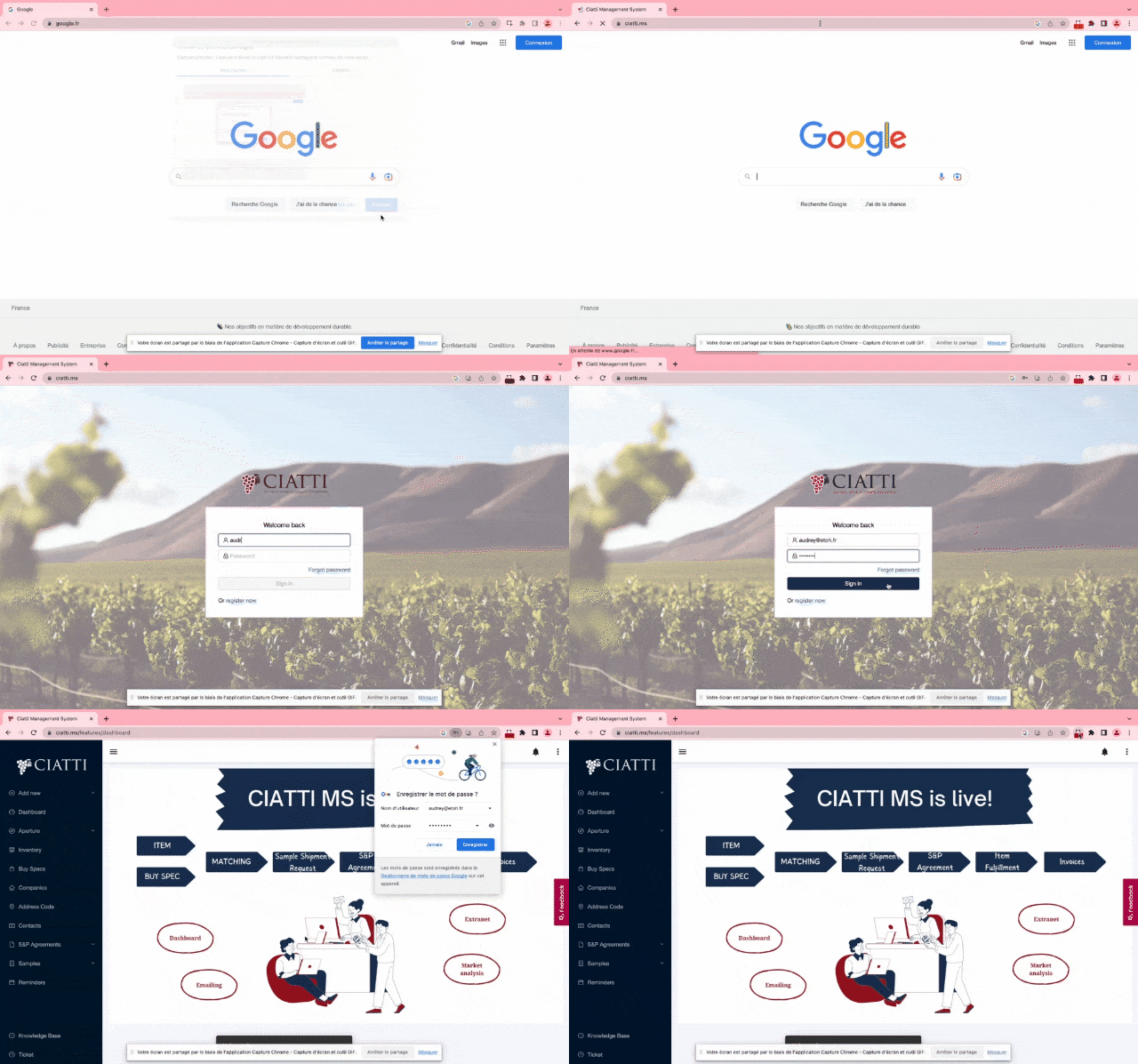
To connect to the URL www.ciatti.ms, you can follow these steps:
- Open the Google Chrome browser on your desktop computer.
- Type "www.ciatti.ms" into the address bar at the top of the browser window and press Enter.
- Wait for the webpage to load. If you have a good internet connection with a speed of 10 to 20 Mbps, the webpage should load quickly.
- Once the webpage has loaded, you should be able to navigate the site and access its content.
If you encounter any issues accessing the website, you can try clearing your browser cache and cookies, or checking your internet connection to ensure it meets the minimum requirements.
Was this article helpful?
That’s Great!
Thank you for your feedback
Sorry! We couldn't be helpful
Thank you for your feedback
Feedback sent
We appreciate your effort and will try to fix the article