You can Arrange your Address Code Table as you wish.
In order to do so, you need to go to the menu on the left-hand corner of the screen. Then press on the “Address Code” button in the additional menu that has appears.
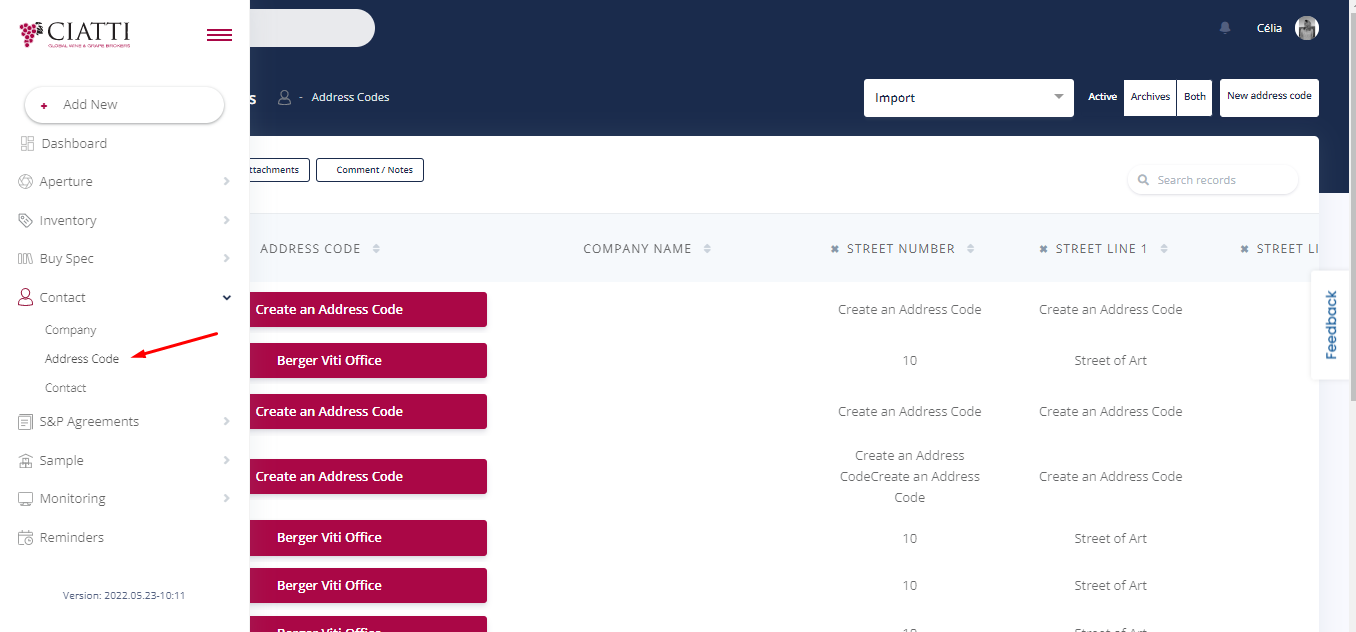
Now that you have entered the Address Code Table, you may insert different Categories in your table from the top column. To do so, you need to press the "plus".
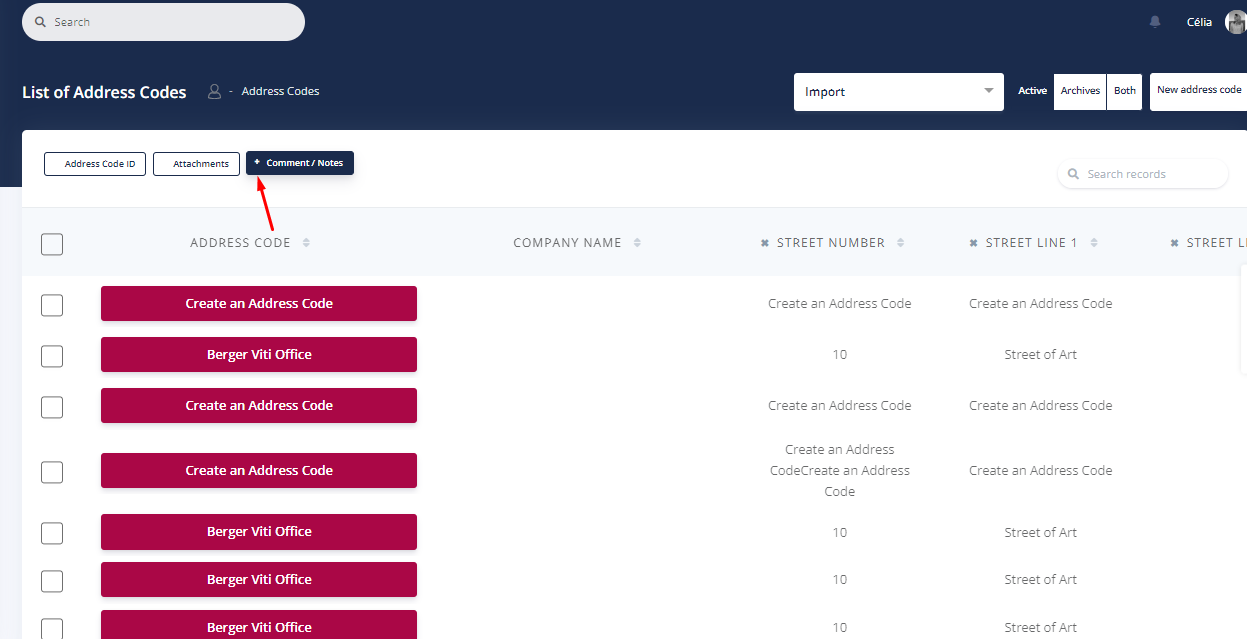
Here are the Titles that you may add to the Table :
Address Code ID
Attachments
City
Comments & Notes
Country
State
Street line 1
Street line
Street number
Zip code
You can not only add, but also delete them from the table. If you want to delete a Title, press on the X button next to the Title you wish to hide from your Table.
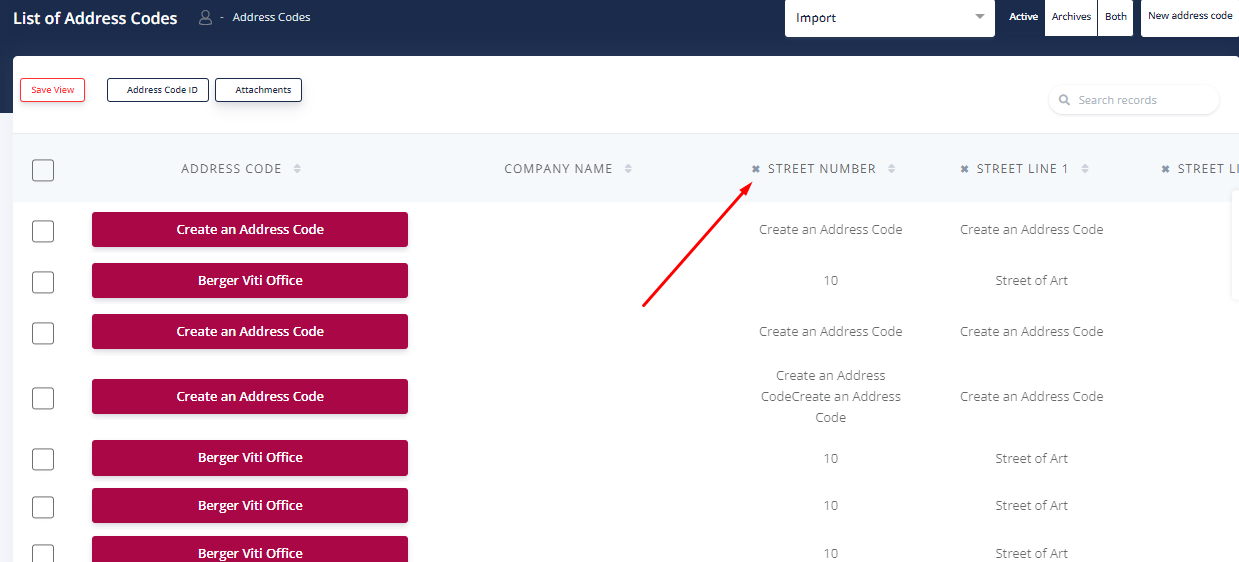
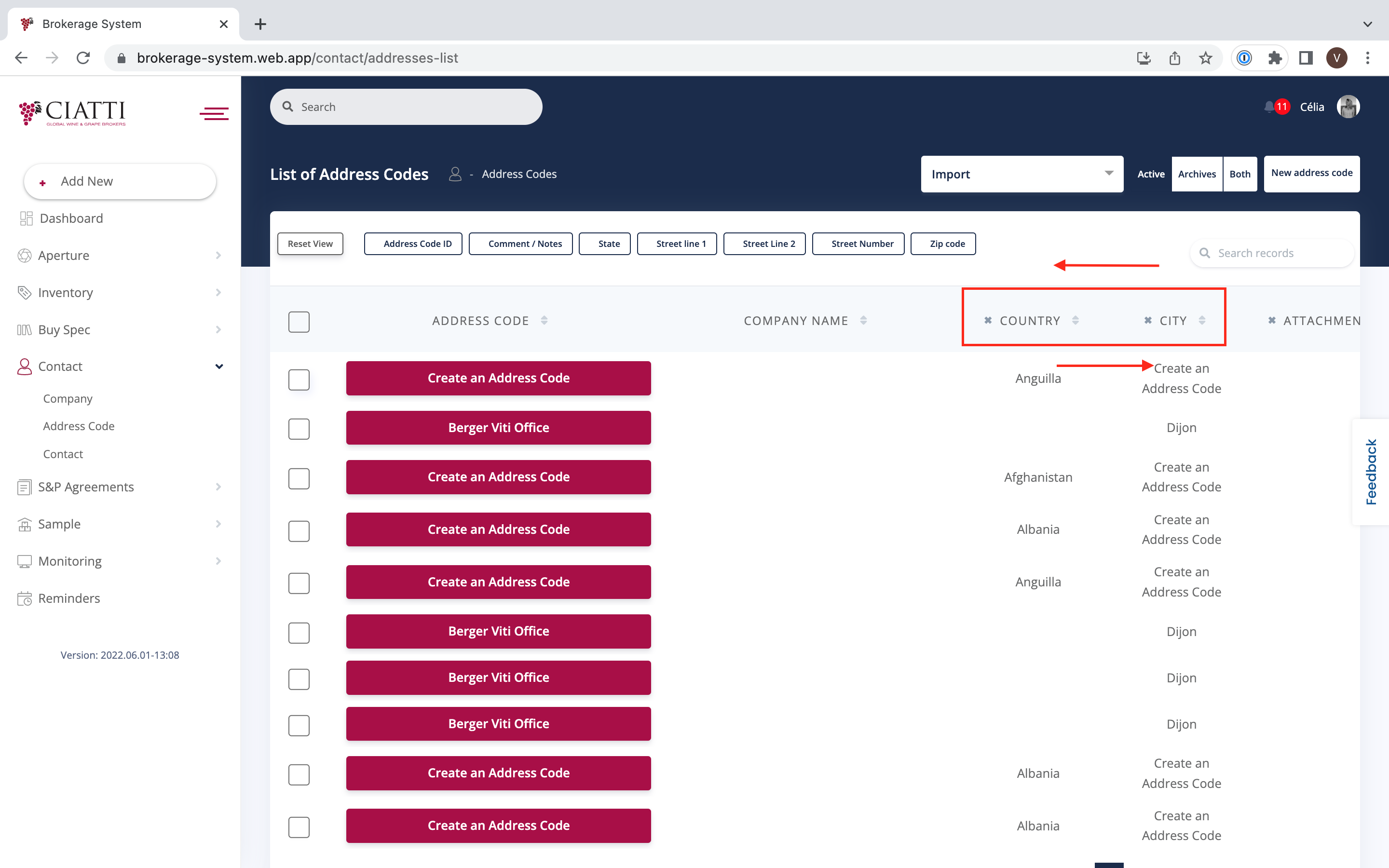
These actions allow you to exchange places of different Titles in the most convenient order.
However, the Address Code itself and the name of the company cannot be taken out of your Table.
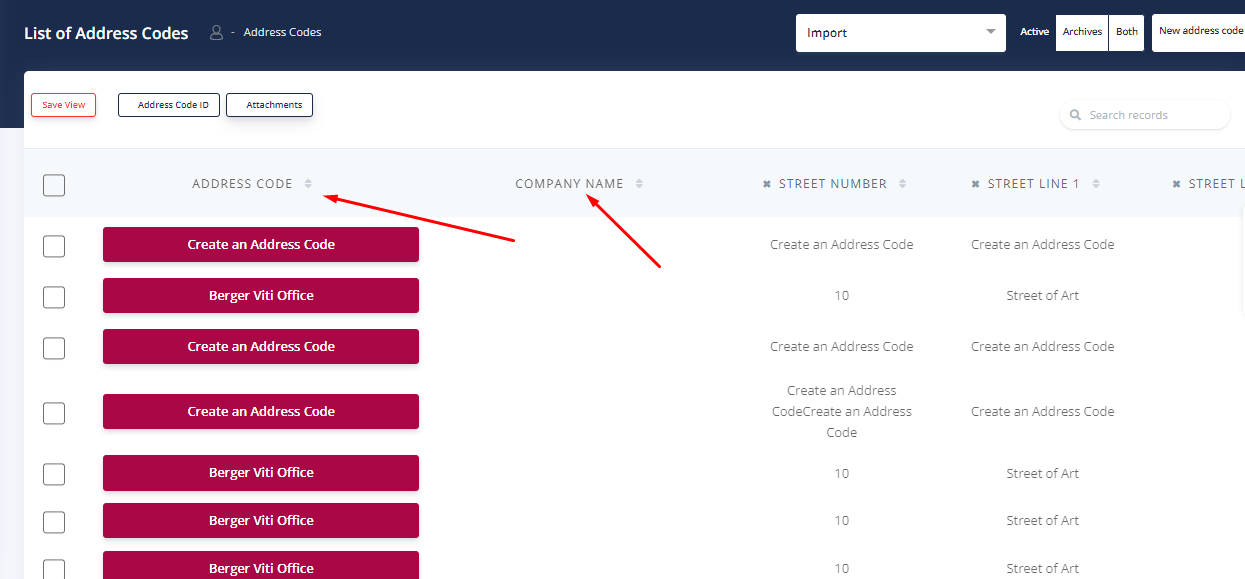
If you want to move a certain Category, you need to drag it to the position you want.
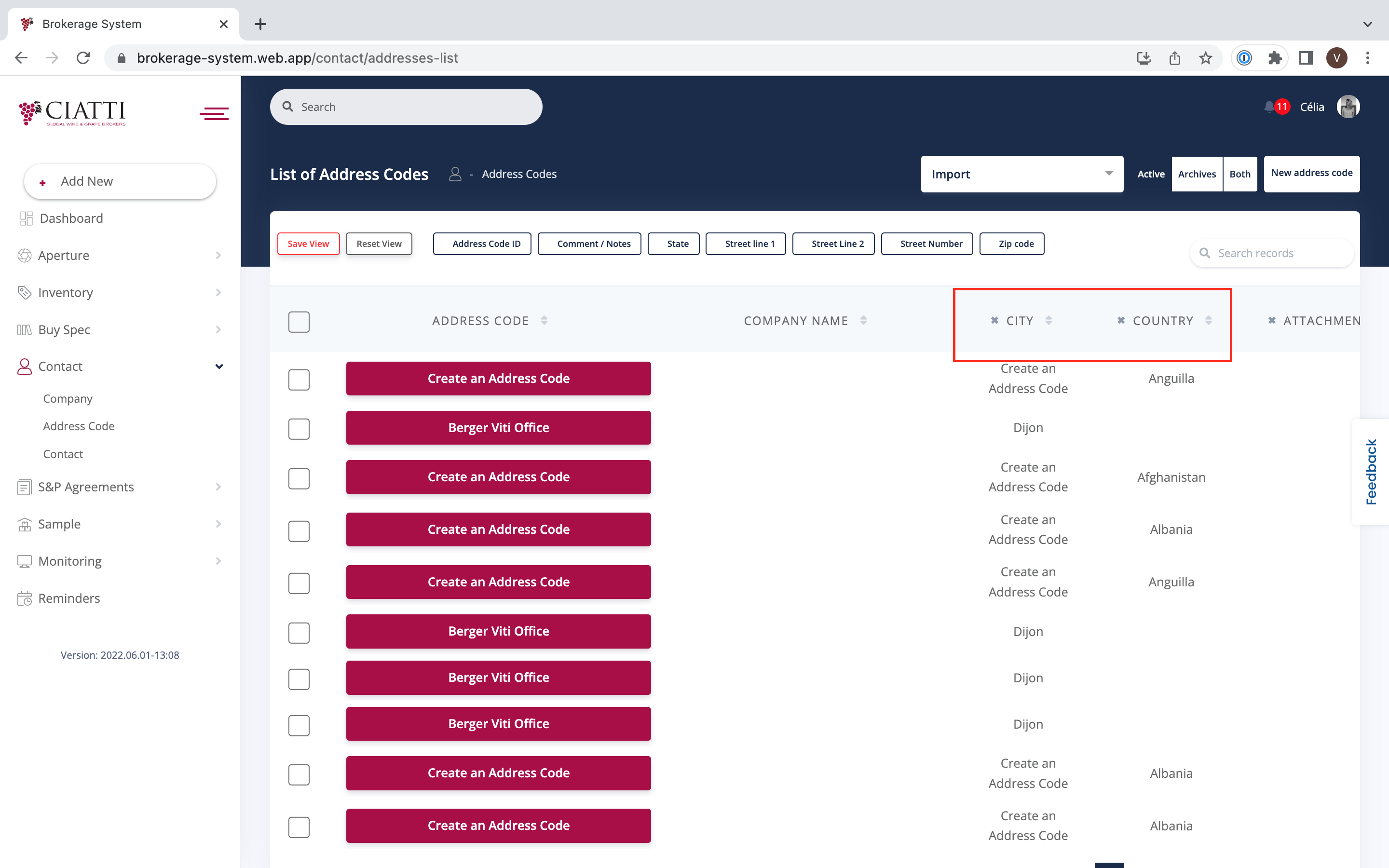
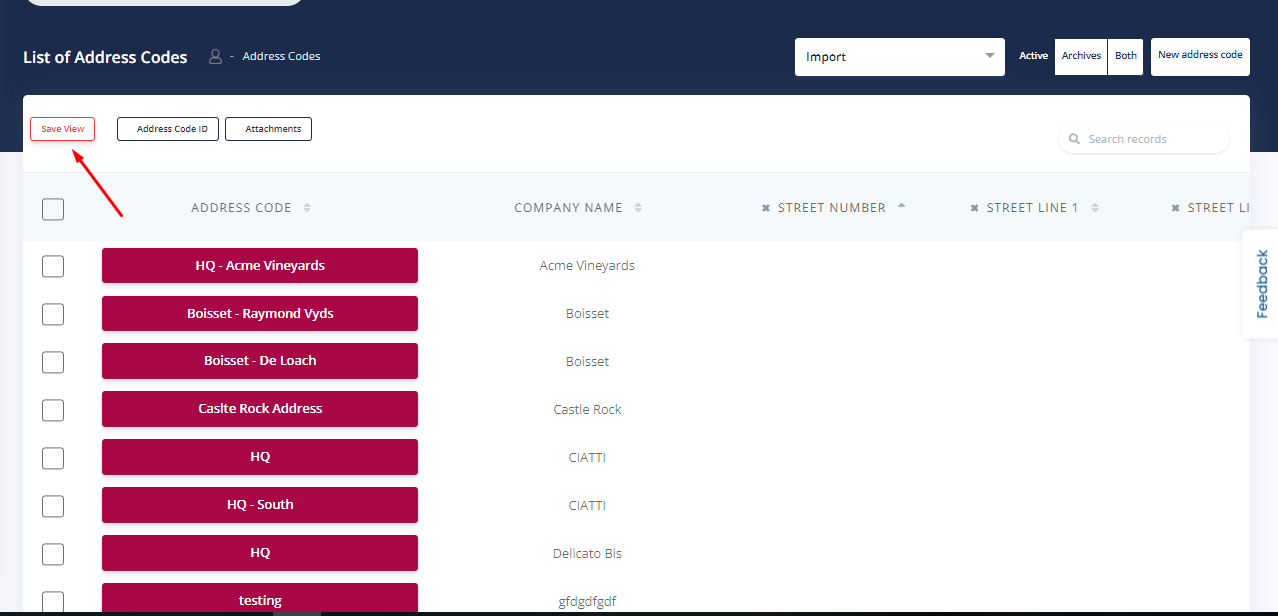
Please press the “Save View” on the upper left-hand corner in order to save all modifications.
Was this article helpful?
That’s Great!
Thank you for your feedback
Sorry! We couldn't be helpful
Thank you for your feedback
Feedback sent
We appreciate your effort and will try to fix the article