If you want to duplicate a Sample, you need to choose the menu on the left of your Dashboard and press 'Samples'.
Samples Menu allows you to access the Sample Room and access to the samples to be retrieved/put back in stock (Sample Replenishment)
Sample Room : inventory of all samples
Sample Replenishment : inventory of all samples to replenish
In order to see the list of all samples and duplicate them, you need to enter the Sample Room.
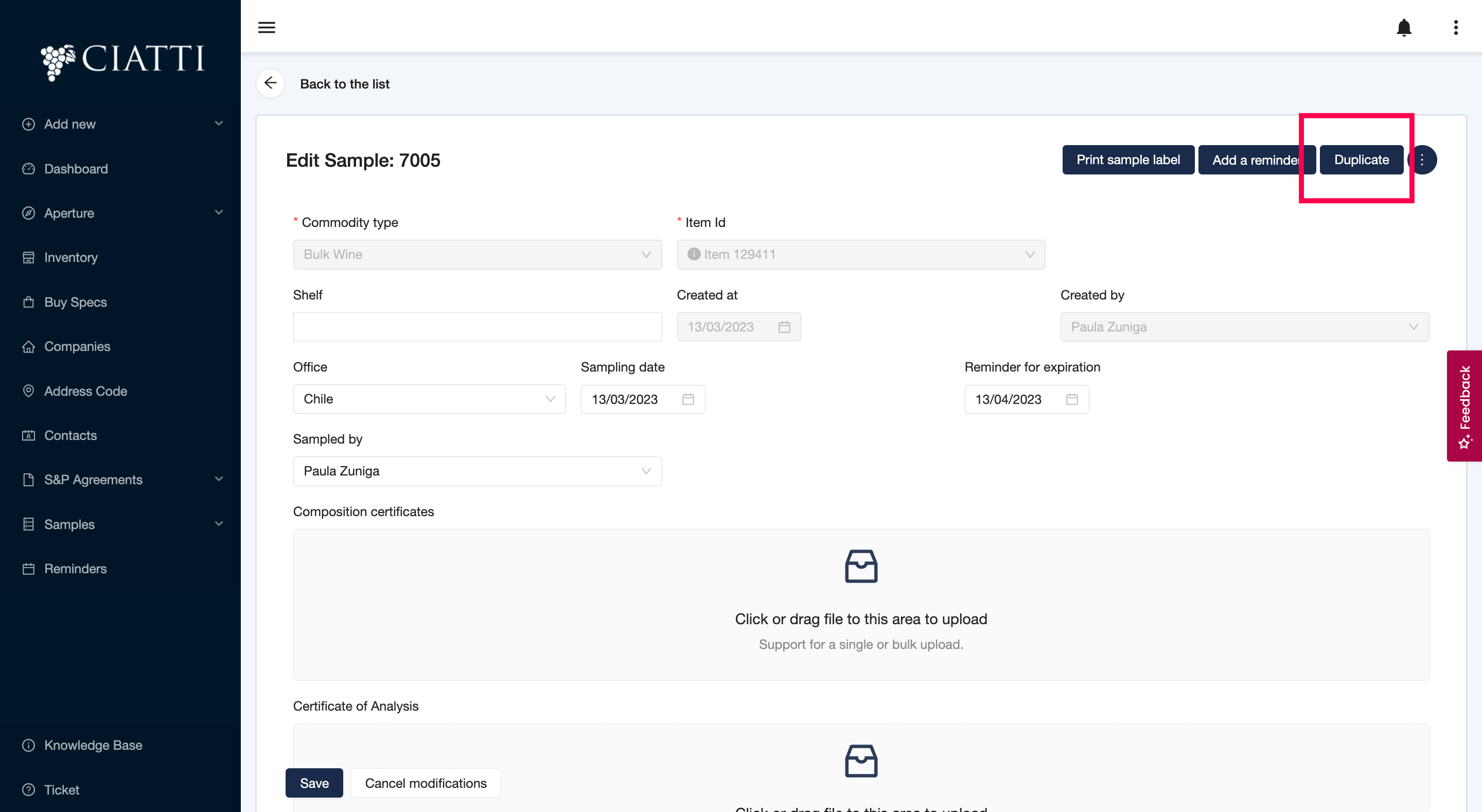
Now that you have entered the Sample Room, you can duplicate any Sample by editing it first, then clicking on duplicate.
Was this article helpful?
That’s Great!
Thank you for your feedback
Sorry! We couldn't be helpful
Thank you for your feedback
Feedback sent
We appreciate your effort and will try to fix the article